
Explore how Expense Analyzer handles physical data isolation, automated bank statement parsing, learned rule classification, and budget enforcement.
Why storing data on local hardware outperforms central cloud servers in privacy and performance.
| Architecture Aspect | Expense Analyzer (Local-First) | Traditional Cloud Finance Apps |
|---|---|---|
| Data Storage Location | 100% Local Device Storage (SQLite) | Centralized Cloud Database Servers |
| Multi-User Isolation | Physical separate database files per user | Logical tenancy in shared remote database |
| Statement Processing | On-device PDF/Excel parsing & OCR | Statements uploaded to third-party servers |
| Internet Requirement | Fully functional offline | Requires constant internet connection |
| Cloud Backup Control | Direct encrypted backup to user's Google Drive | Stored on company's cloud infrastructure |
How Expense Analyzer isolates financial records when multiple users share a tablet or phone.
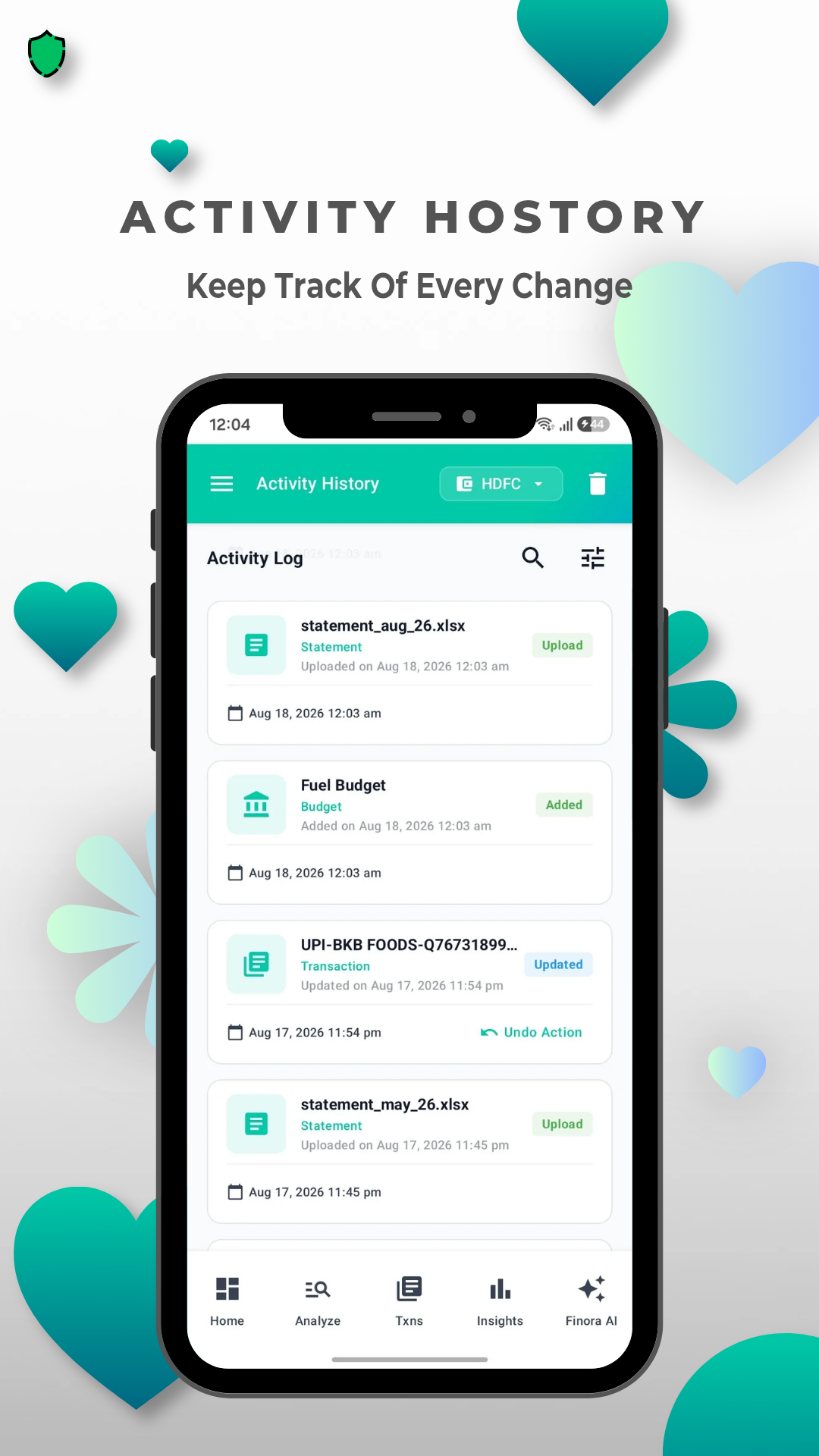
Consolidate statements from major Indian and global banks (HDFC, SBI, ICICI, Axis, Kotak, Citi, HSBC) alongside mobile wallets (Paytm, PhonePe, GPay).
Auto-detects transaction tables across PDF files (with password decryption support) and `.xlsx`/`.xls` spreadsheets without manual row formatting.
Scan paper receipts using interactive quadrilateral crop overlay, Sauvola thresholding, illumination correction, and ML Kit text recognition.
Auto-categorize transactions into 13 default categories (Food, Travel, Bills, Shopping, Investments, etc.) with custom keyword rules and learned memory.
Track informal loans, split bills, and borrowed amounts with contacts, partial settlements, settlement history, and scheduled reminder alarms.
Export financial data into formatted Excel spreadsheets or PDF reports, and maintain automated encrypted backups directly in your private Google Drive folder.